Install the Extension and Pin
Click "Add to Chrome" to install the Ntro.io extension.
Chrome doesn't keep every extension visible next to the address bar.
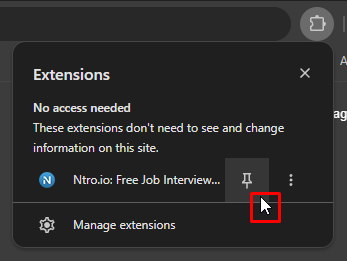
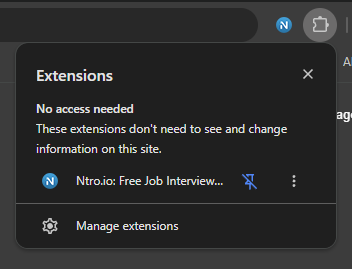
To keep Ntro.io within easy reach, click the Extensions icon, find Ntro.io in the list, and click the Pin icon.
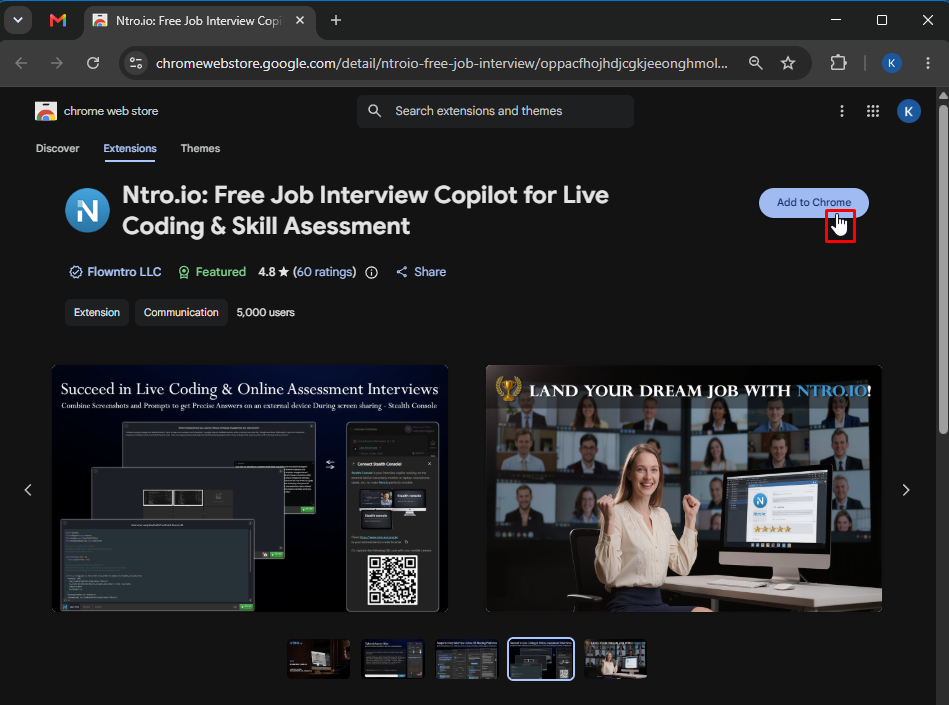
add to chrome
pin
pin1
Start and Set up
Interview Session
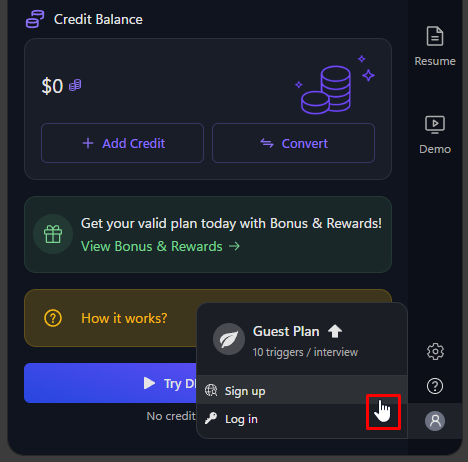
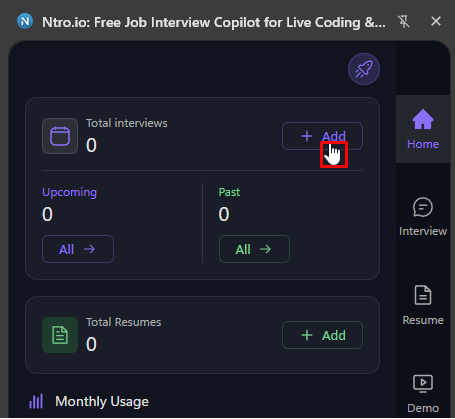
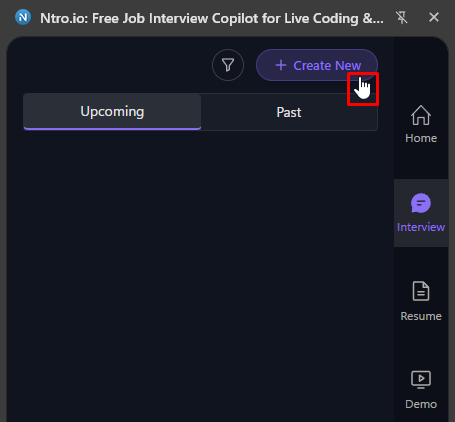
Once you're signed in, create a new interview session from either the Home page or the Interview page.

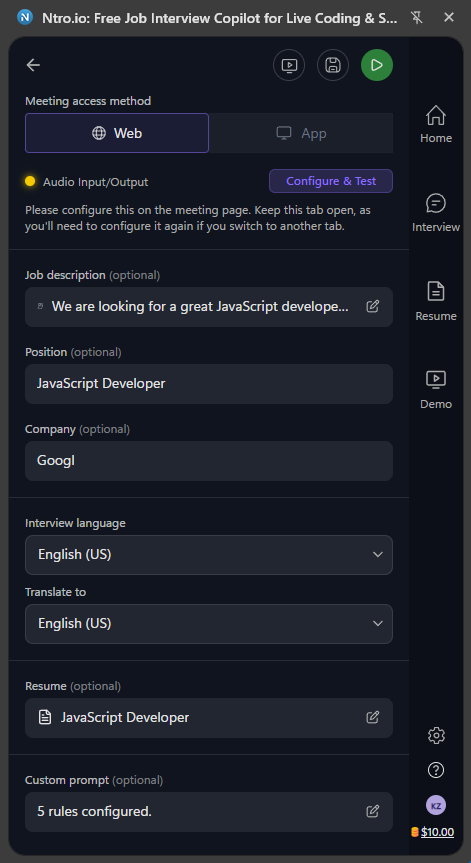
Set up your AI interview session with audio, language, scenario, and interview details to receive personalized interview assistance throughout your online interview.
login
pin
pin1
interview-info
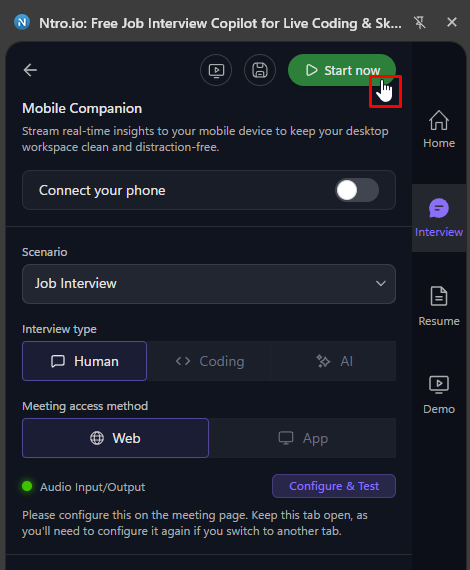
Start Your Interview Assistant
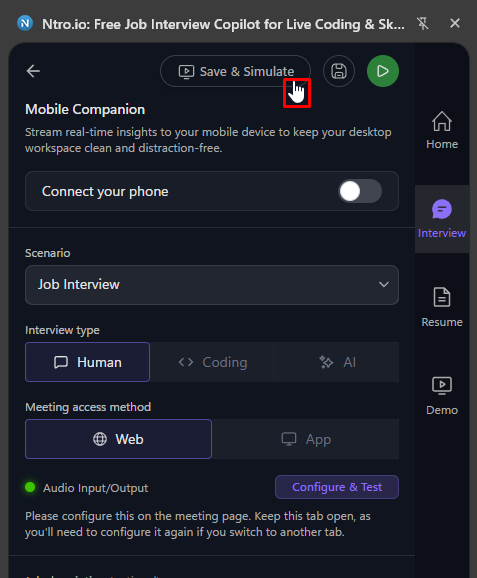
Before starting your live interview, you can practice with Simulation to experience a mock interview environment.  Click Save & Simulate to save your interview session and launch the simulation.
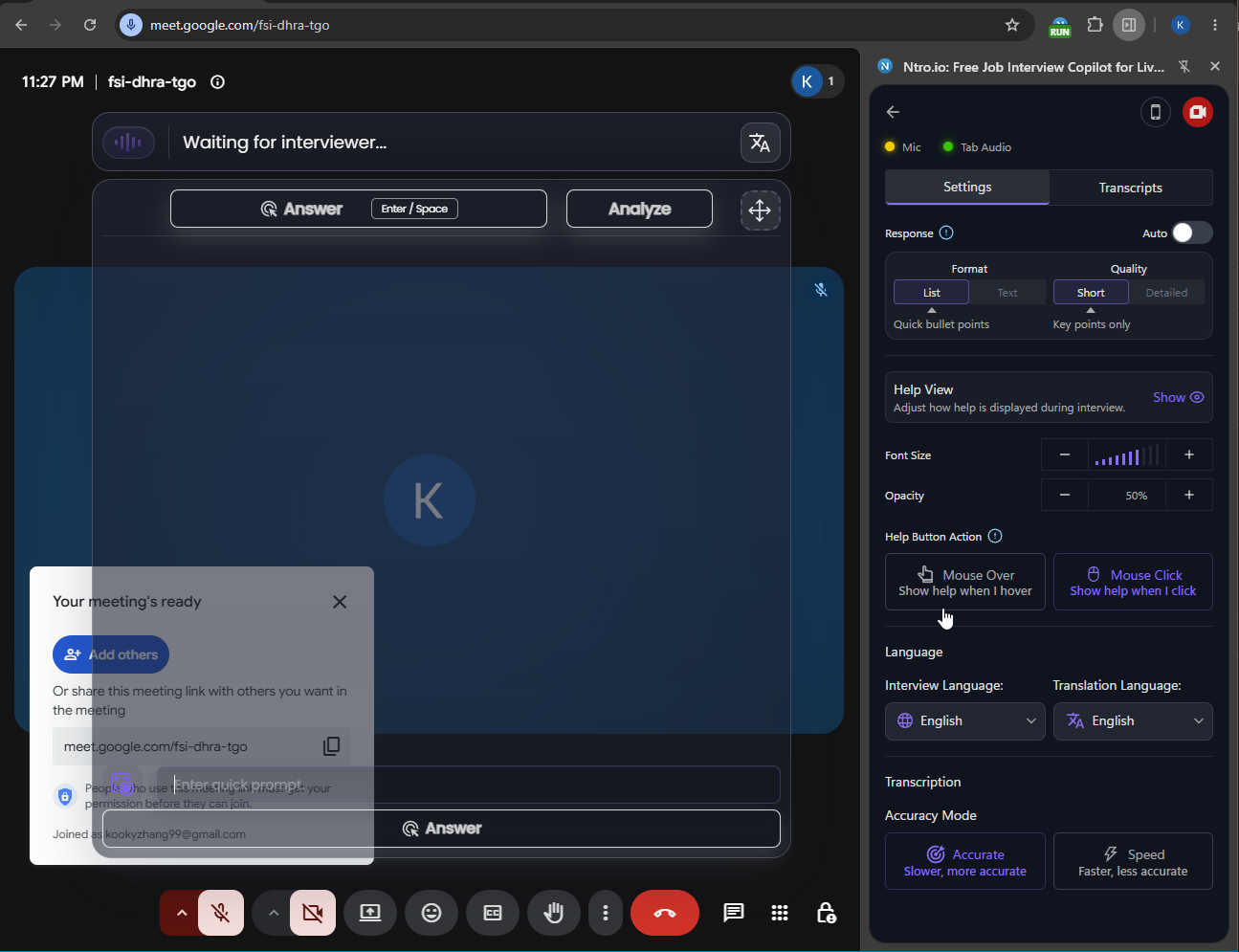
After you've finished configuring your interview session and opened your meeting, click Start Now.
Ntro.io will begin listening in the background, detect interview questions in real time, and generate AI suggestions based on the conversation, without interrupting your meeting.
add to chrome
pin
pin1