Click Ntro.io extension icon.


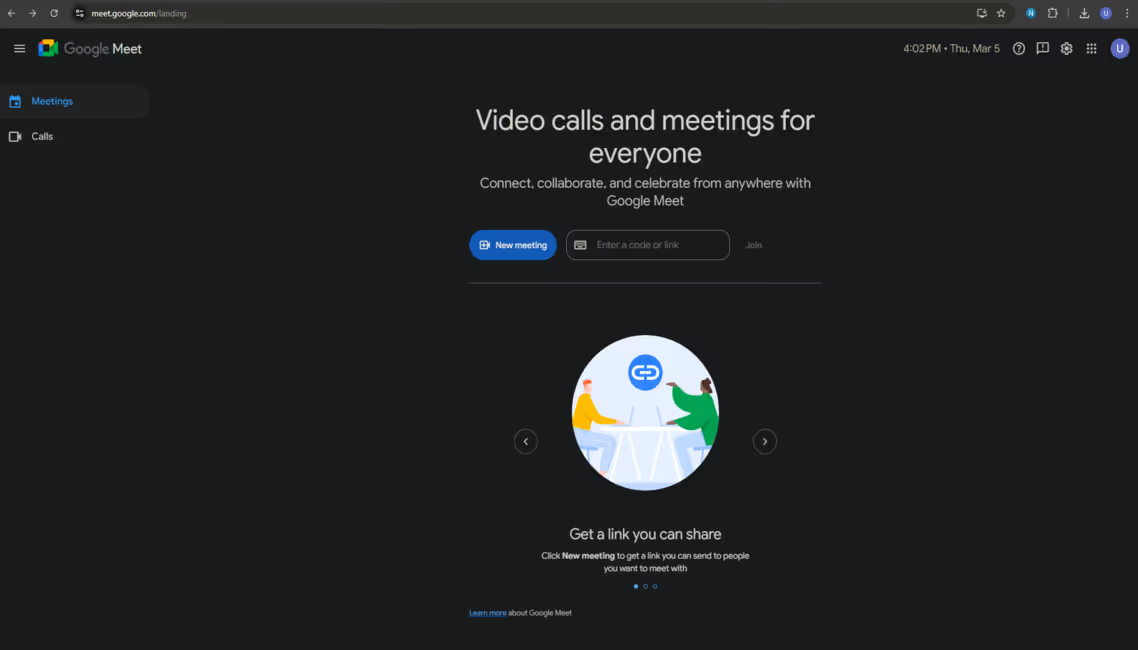
Please click the Ntro.io icon from extension bar.

Click here.
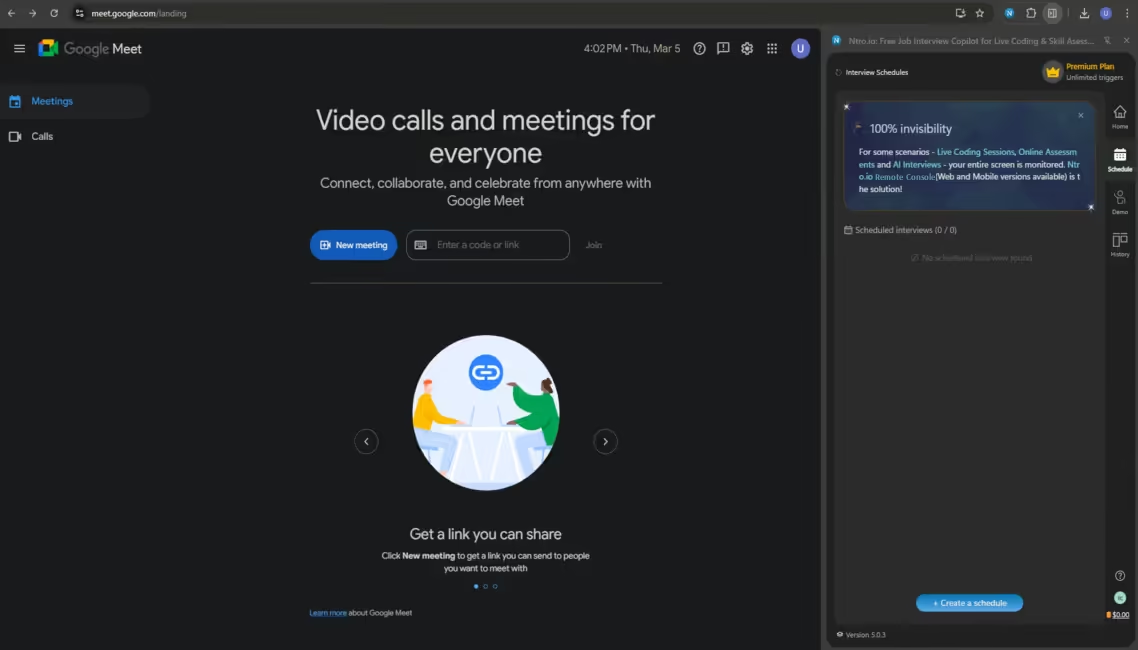
Click [Create a schedule].
Select scenario.
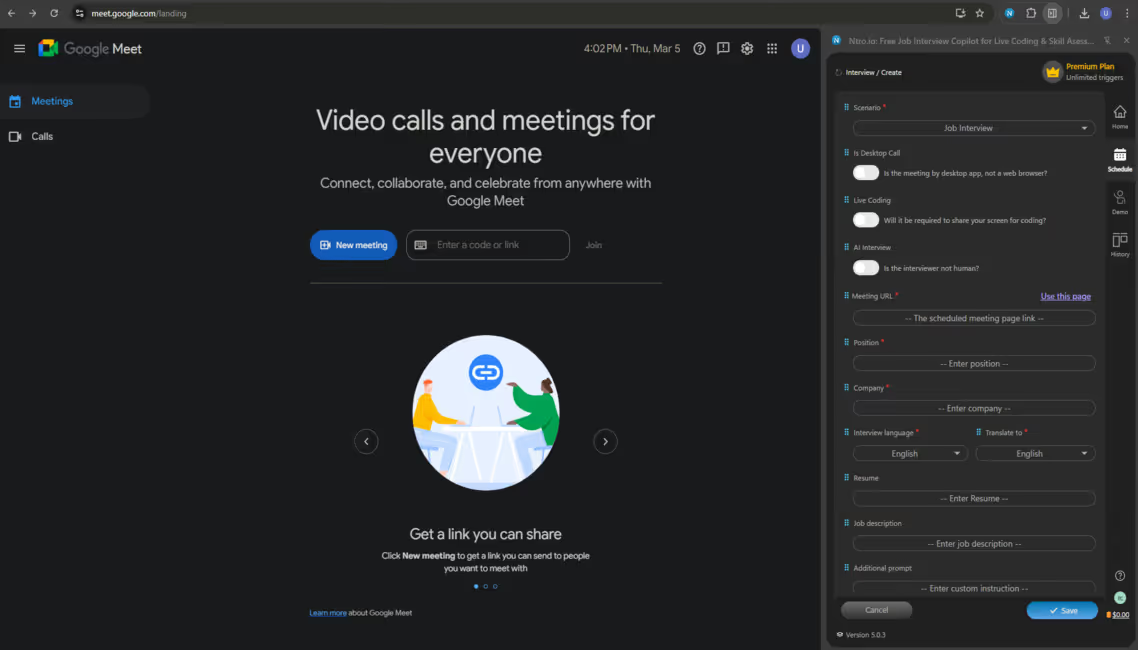
Please select a scenario.
Check interview setup.
(Enable [AI Interview] option.)
(Enable [AI Interview] option.)
Just leave as the default interview setup.
[Use this page] or manually input meeting URL.
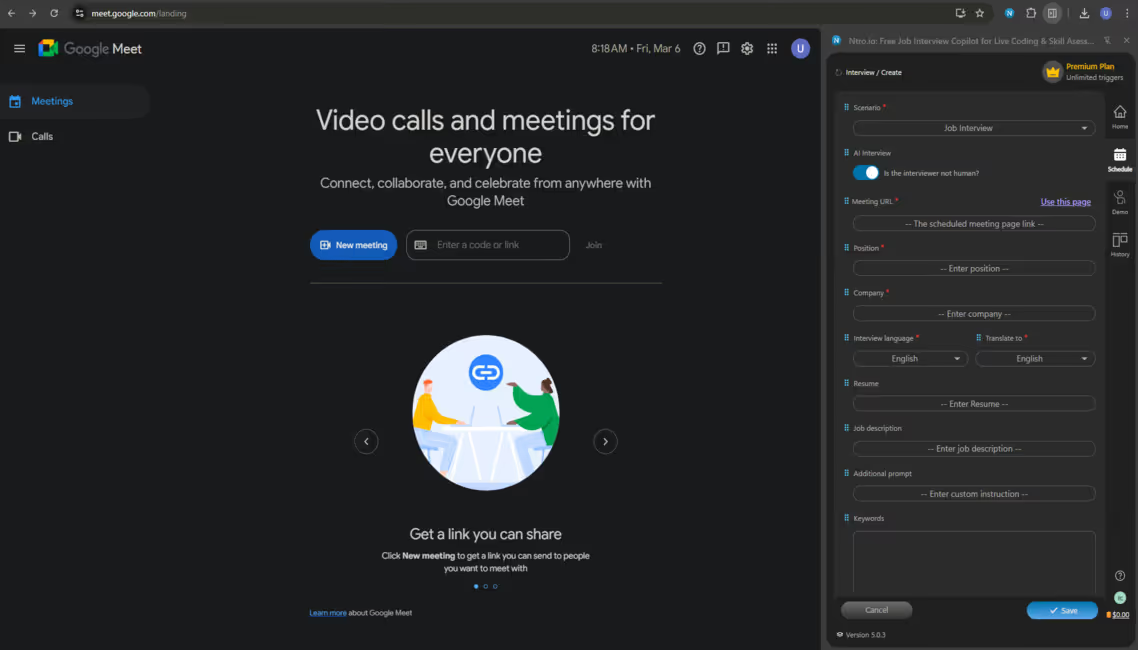
Fill in the meeting URL.
Enter the job position.
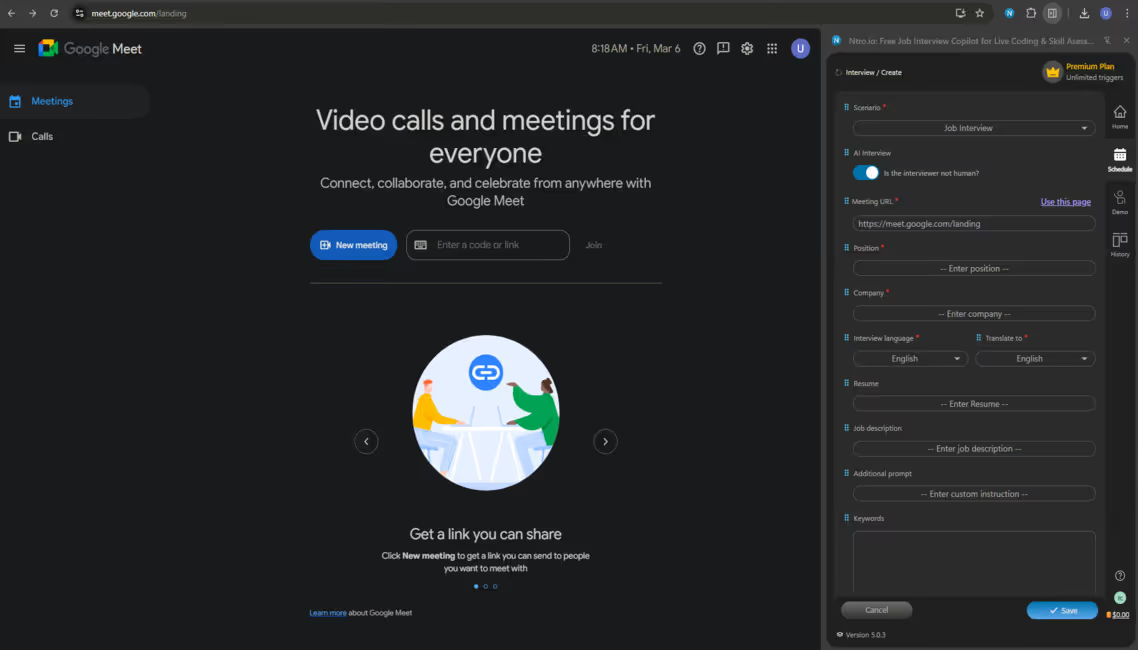
Please enter the job position you apply for.
Enter the name of the company.
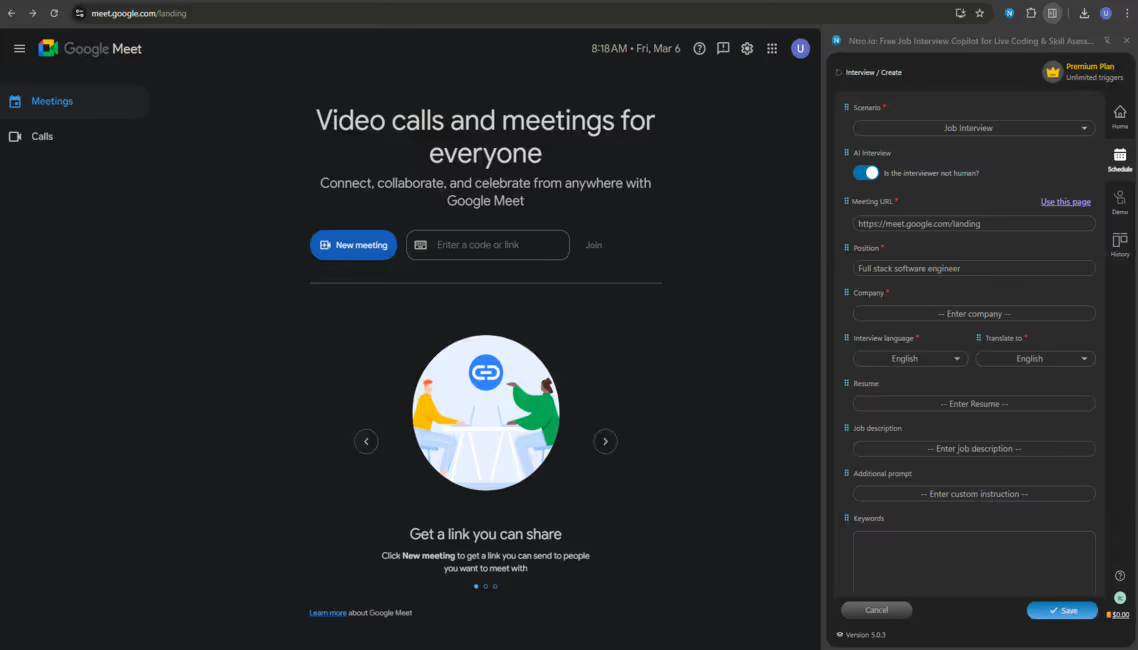
Please enter the name of the company you apply for.
Choose languages.
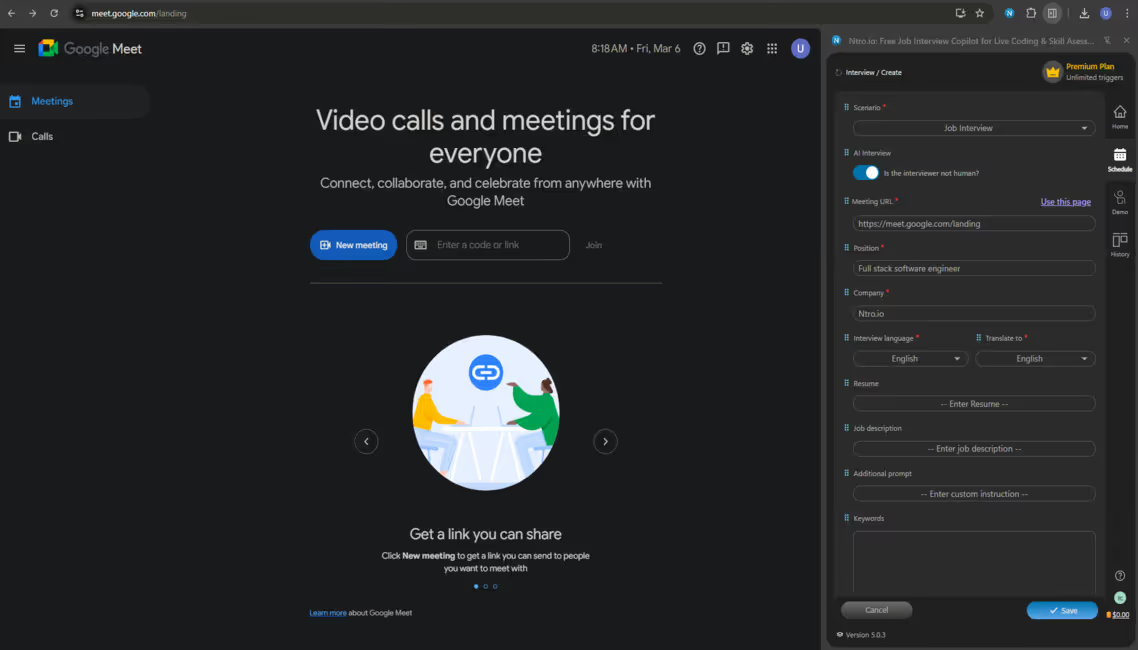
Please select interview language and your native language.
Input contextual information for tailored answers.
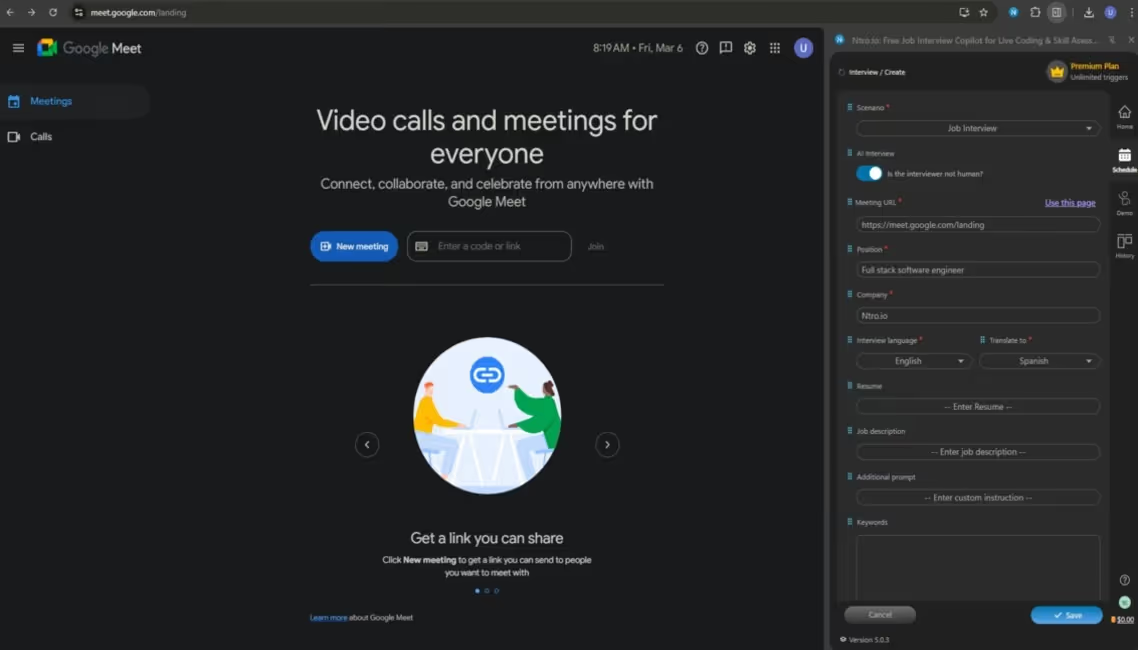
Please input your resume, JD, additional prompt and keywords.
Click here to finish the setup.
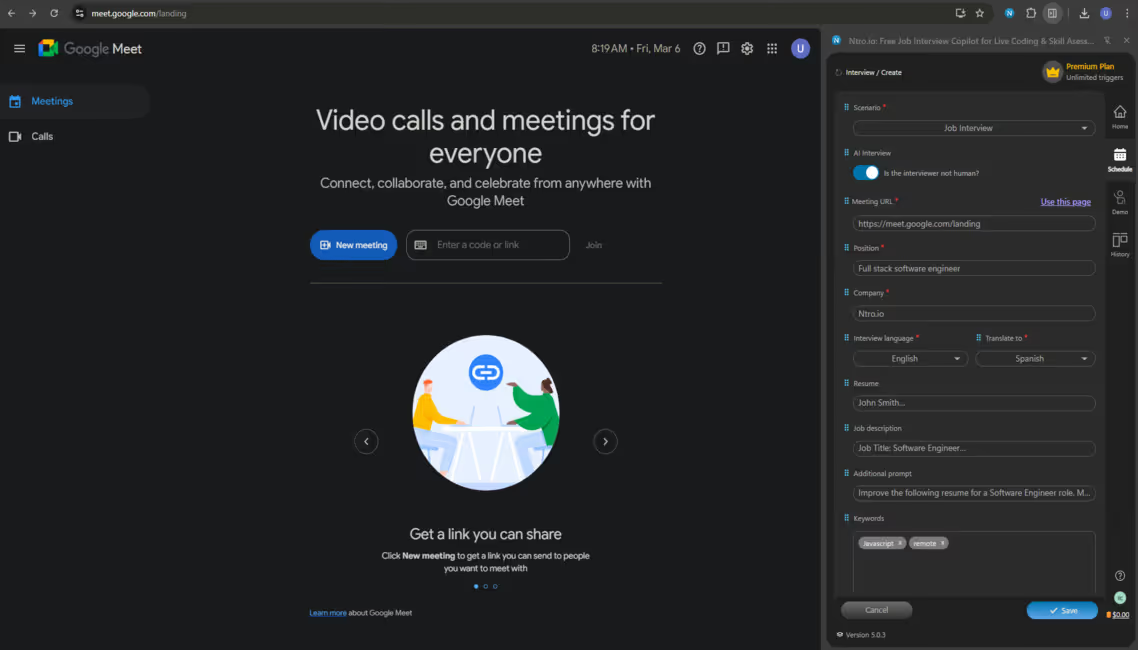
Please click [Save].
Check the new interview scheduled in the list.
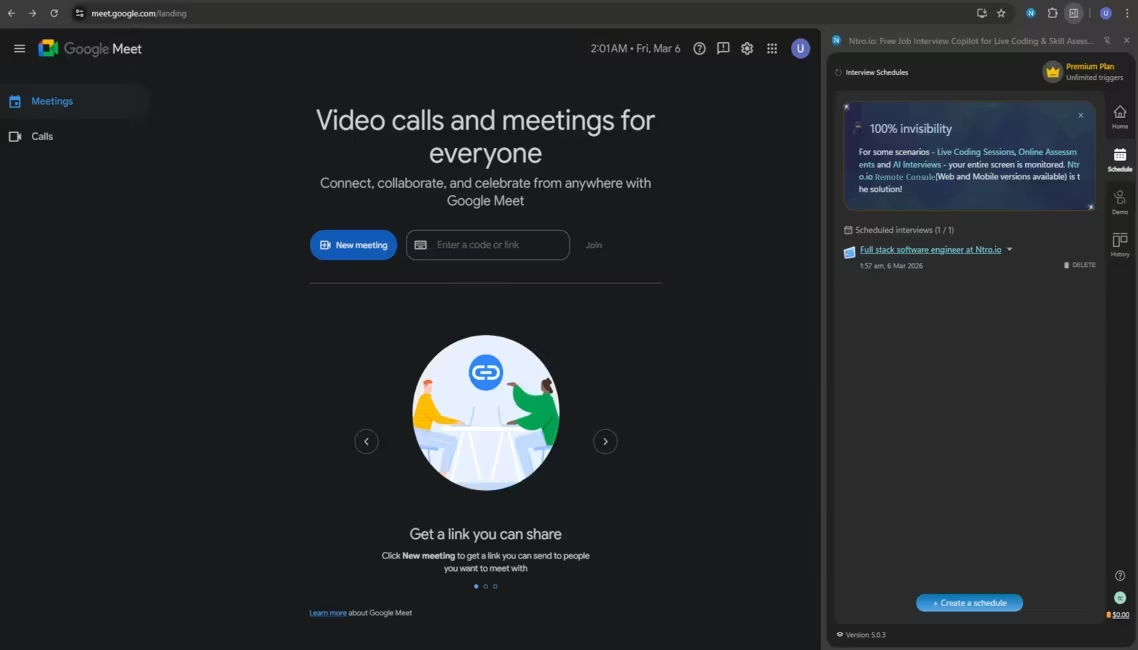
The new interview has been added in the list.
Click [Open Remote Console] before
starting the interview.
starting the interview.
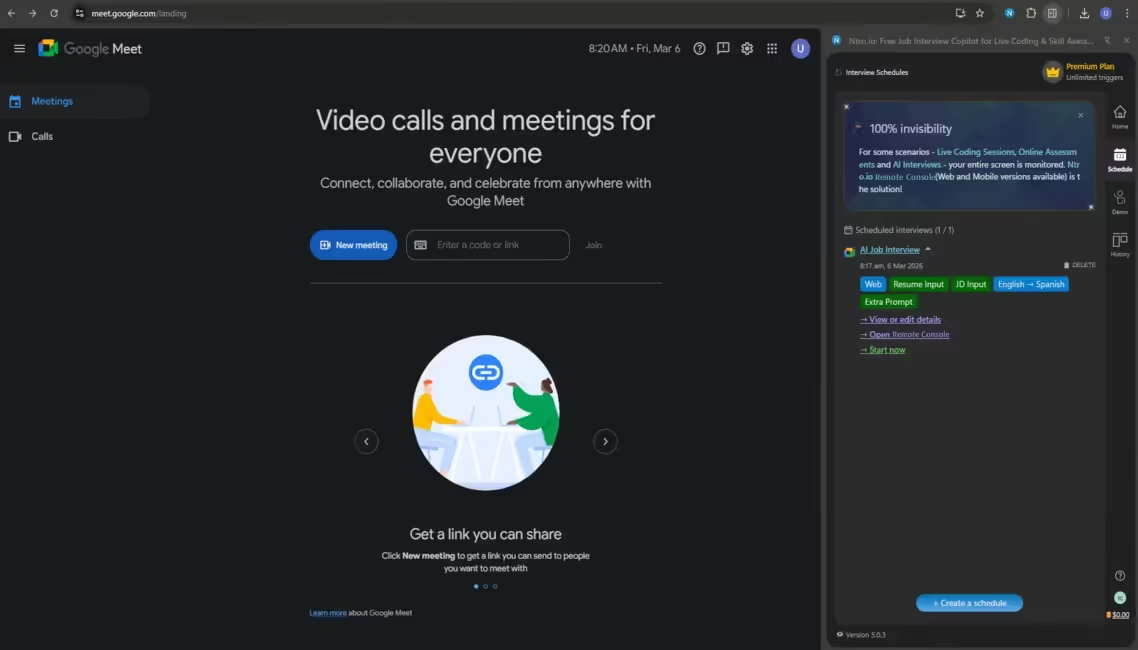
Please click [Open Remote Console] before starting.
Before diving into the interview session, please make sure Remote Console open on your mobile device or another display. Click the URL or scan the QR code to access it.
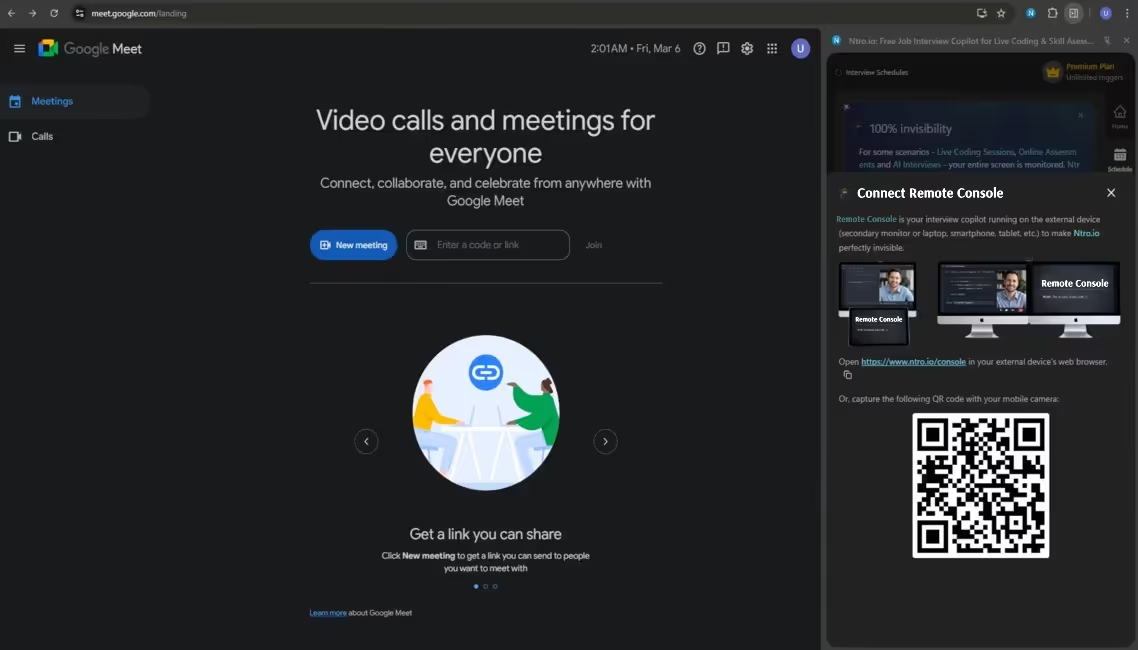
Please click the URL or scan the QR code to open the Remote Console.
Open and log in to the Remote Console
on your secondary device. (iPod or Tablet
is the most recommended option.)
https://www.ntro.io/consoleon your secondary device. (iPod or Tablet
is the most recommended option.)
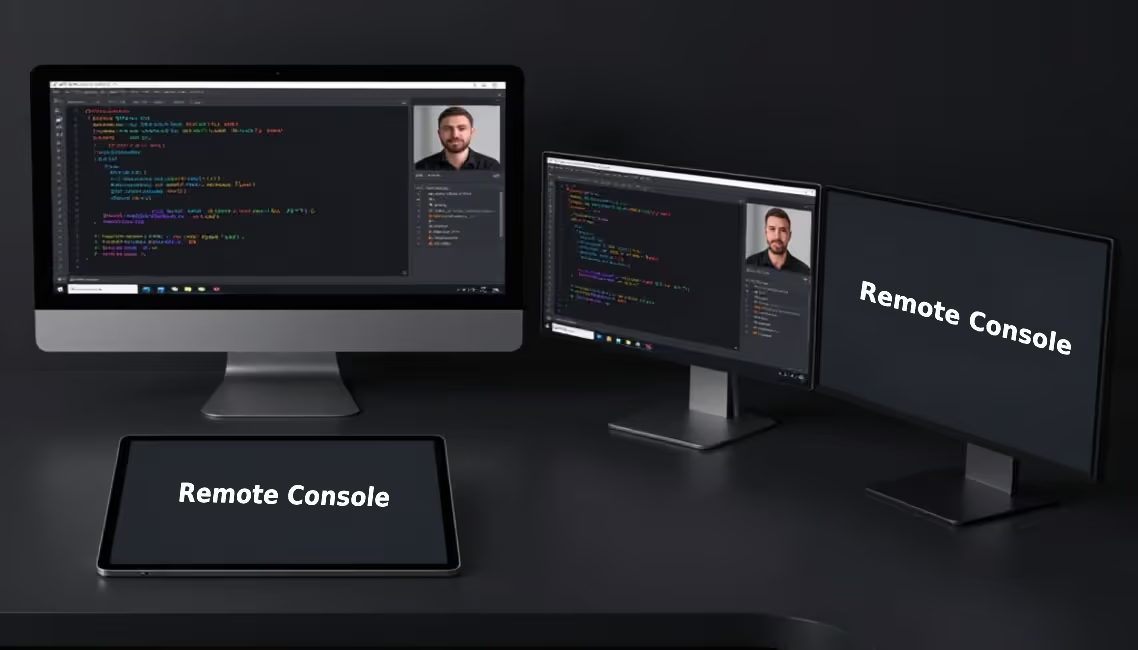
Open and log in to the Remote Console.
Expand and click [Start now].
Make sure you're in the correct meeting page.
Please click [Start Now] to start interview.

Select the screen where
interview would be
processed.
interview would be
processed.
Please select the screen to share with Ntro.io.
Click [Share].
Click [Share].

Click [Hide] to hide
this widget.
this widget.
Hide the screen-sharing widget.
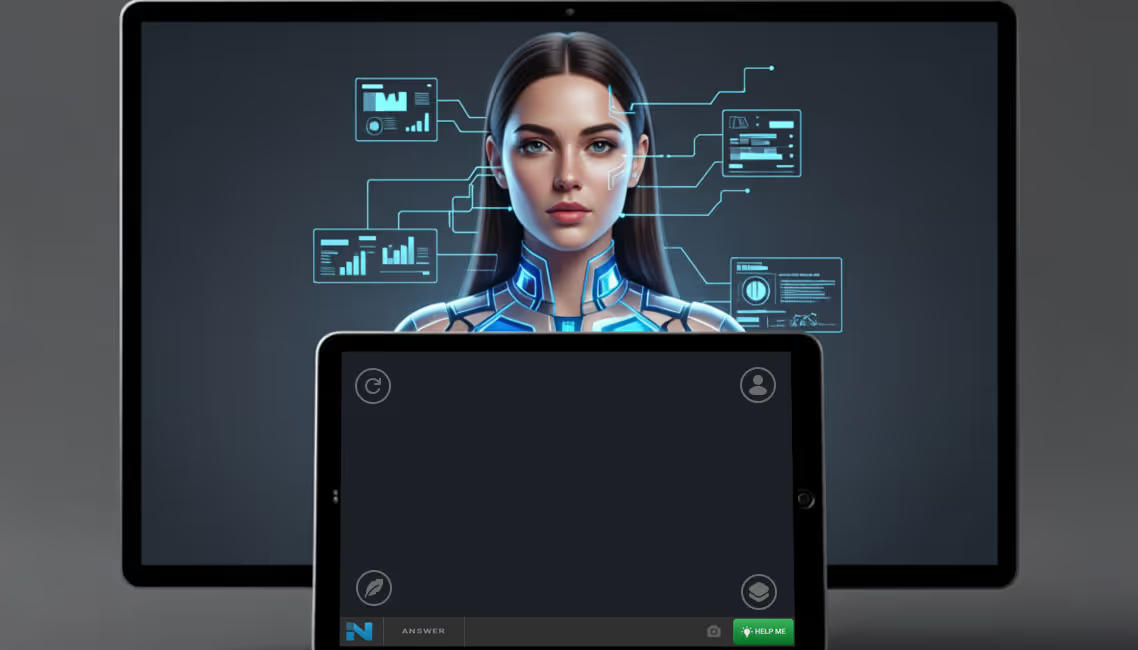
The Al interview has just
started. The Remote Console is
synced to be ready.
started. The Remote Console is
synced to be ready.
The Remote Console is ready.
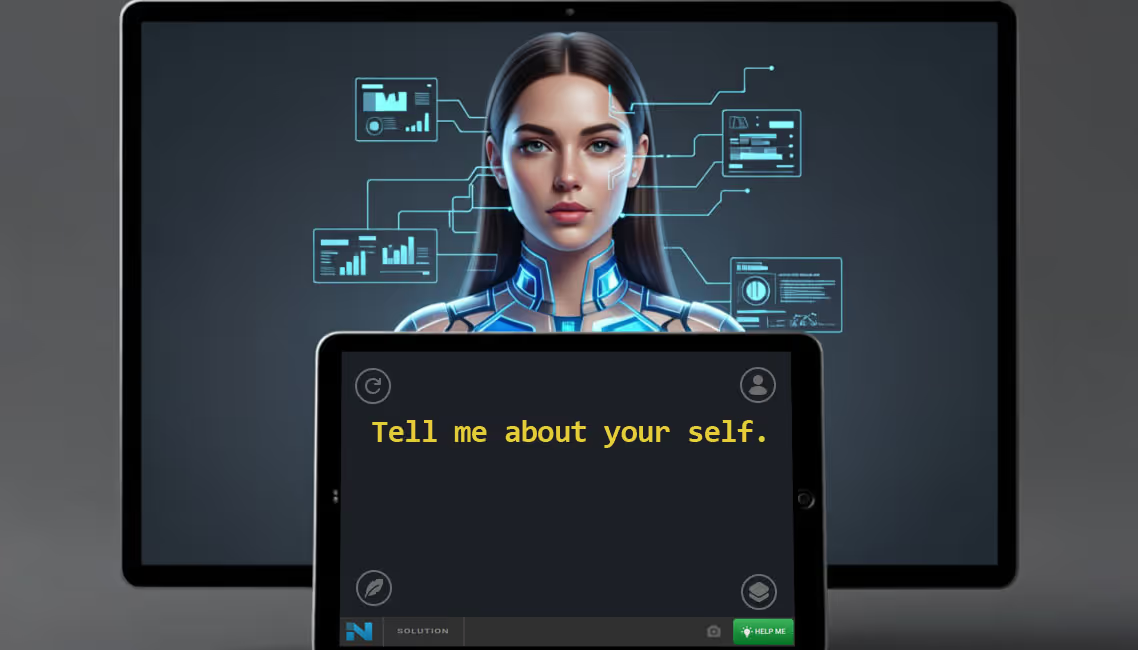
Al interviewer asks questions.
Al interviewer asks questions.
If you need help, click the
[Help Me] button.
[Help Me] button.
Trigger hints.
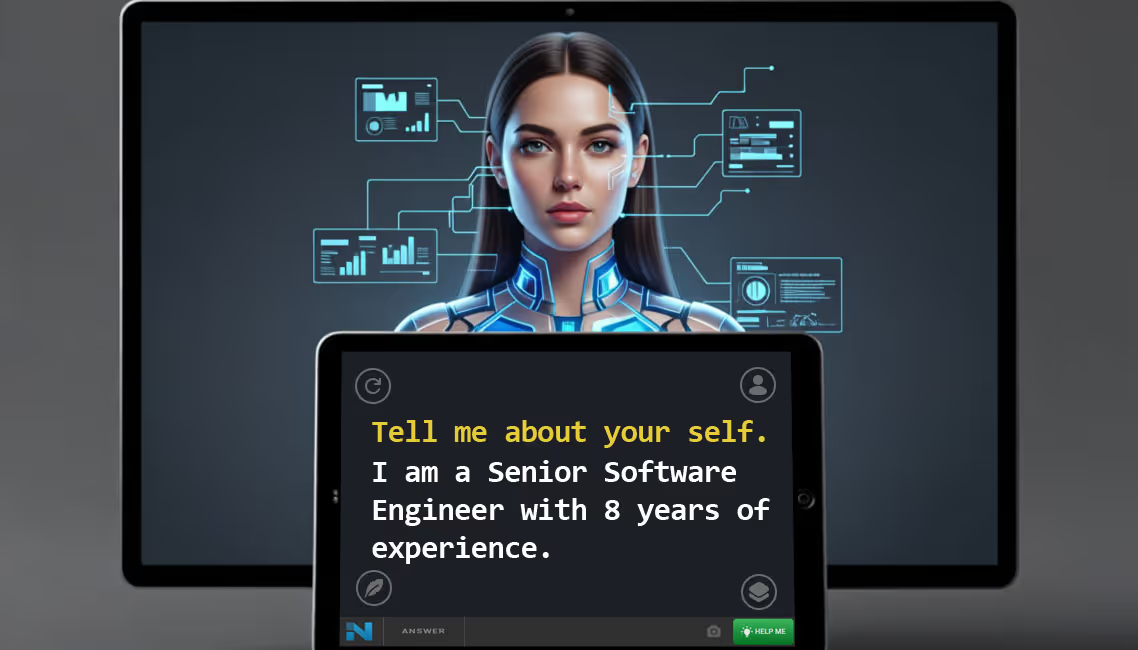
The answer is displayed
immediately.
immediately.
Get hints.
Congrats, Good Luck with Your Interviews!
Finish

Finish




.avif)